Your phone already does a lot.
Apple offers dictation and, with Writing Tools, proofreading and rewriting. Supported Gboard and Pixel features can also correct, edit and rewrite text. Availability depends on device, version, language and region.
Speak freely, spend less time editing, then review and send yourself. Consierge combines dictation with your terms, formatting rules and deliberately selected reply context on Android.
„Wir treffen uns am Dienstag, nein, am Donnerstag.“
Wir treffen uns am Donnerstag.

One assistant. Four platforms in view.
AndroidDownload in preparationWindowsComing soonmacOSComing sooniOSComing soonFor short sentences you already know how to phrase, built-in dictation is often enough. Start by trying what your device already offers.
Apple offers dictation and, with Writing Tools, proofreading and rewriting. Supported Gboard and Pixel features can also correct, edit and rewrite text. Availability depends on device, version, language and region.
Your dictionary and spoken shortcuts. Conservative German self-correction. Add the text workshop, deliberately imported text or screenshots and reviewable reply drafts. Optionally use bounded memory and an explicitly selected local or LAN route.
Whether this helps depends on your apps and tasks. Consierge promises neither a perfect first draft nor fewer corrections in every case.
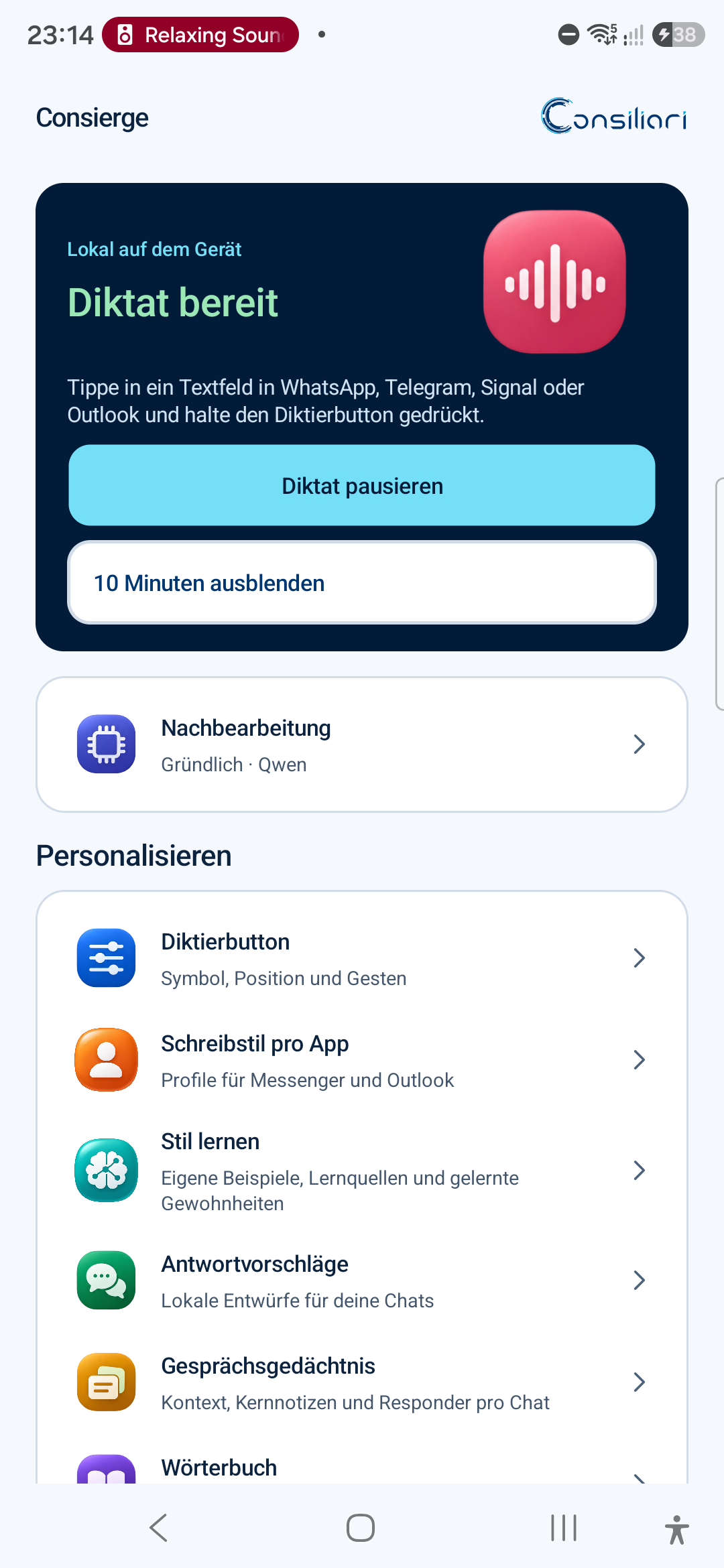
This German-language film shows when built-in dictation is enough and how your own terms, self-correction and deliberately selected reply context work together.
As of 8 November 2026: Android 0.4.0-beta.1 has passed internal qualification on the S24 Ultra. Public APK distribution remains in preparation. iOS, Windows and macOS have initial native project or app previews; they are not publicly available and do not yet match Android features.
Reuse your own terms. Resolve an explicit German self-correction. Reply to a selected message. What matters is what you actually need day to day.
Tap or hold, speak and finish. Your dictation goes into the active text field of an enabled app.
See how it works →Saved spellings, spoken shortcuts and formatting rules for each app complement your dictation. The six styles do not rewrite an entire message for you.
Explore writing styles →Choose a message and add a short instruction if you like. Consierge prepares a suggested reply.
See reply assistance →No detour through another editor. Consierge joins you in supported fields of apps you choose to enable.
Your thought, naturally.
Recognise. Put into words.
You review and send.
Functionality depends on the app, field and permissions. Outlook: dictation in subject and message. Reply context: supported messengers.
At your desk or between appointments: speak your thought, use your saved terms and review the text before sending.

Your dictation becomes an email. Names, paragraphs and writing style then give it your personal form.

A suggestion helps you move forward. Read it, adjust it, and send it only when it feels like you.
AI-generated scenes featuring the Consierge avatar · illustrated use cases
Our avatar guides you from your first dictation to the conversation context you choose to share – with an original voice, captions and genuine views from the Android prototype.
Less typing. More you. Consierge is your personal voice and writing assistant. Speak your thoughts into suitable text fields of apps you have enabled. You start, finish or discard the recording. Professional or casual: choose a style for each app. Your own vocabulary and snippets make your wording more personal. Explicitly select a message and add your instruction. Consierge prepares a draft. You review it, insert it and send it yourself. Style learning, history and conversation memory are separate choices. You review summaries yourself. You can selectively delete stored context. Local first: speech is recognized on your device. An optional Ollama connection on your own network is being tested in the beta. Android is the first beta platform. The public download is being prepared. Windows, macOS and iOS will follow later. Your thoughts. Your style. Your choice. Discover Consierge.
You can explicitly correct yourself while speaking. Optional German cleanup can resolve these corrections. Validation rules check details such as numbers and negations; errors remain possible.
„Wir treffen uns am Dienstag, nein, am Donnerstag um zehn Uhr. Bitte den Termin nicht verschieben.“Wir treffen uns am Donnerstag um zehn Uhr.
Bitte den Termin nicht verschieben.
Save names and specialist terms, or speak a shortcut to insert a saved snippet. Six styles mainly control formatting rules, such as the final full stop. Choose them per app or category.
Optional style learning considers evidenced formatting habits. In the internal beta, up to twelve approved examples of your own writing can also influence wording in replies and the text workshop. They provide model context, rather than training its weights.
Explore styles and profiles →“Thanks, we will talk tomorrow”
Thanks, we will talk tomorrow.
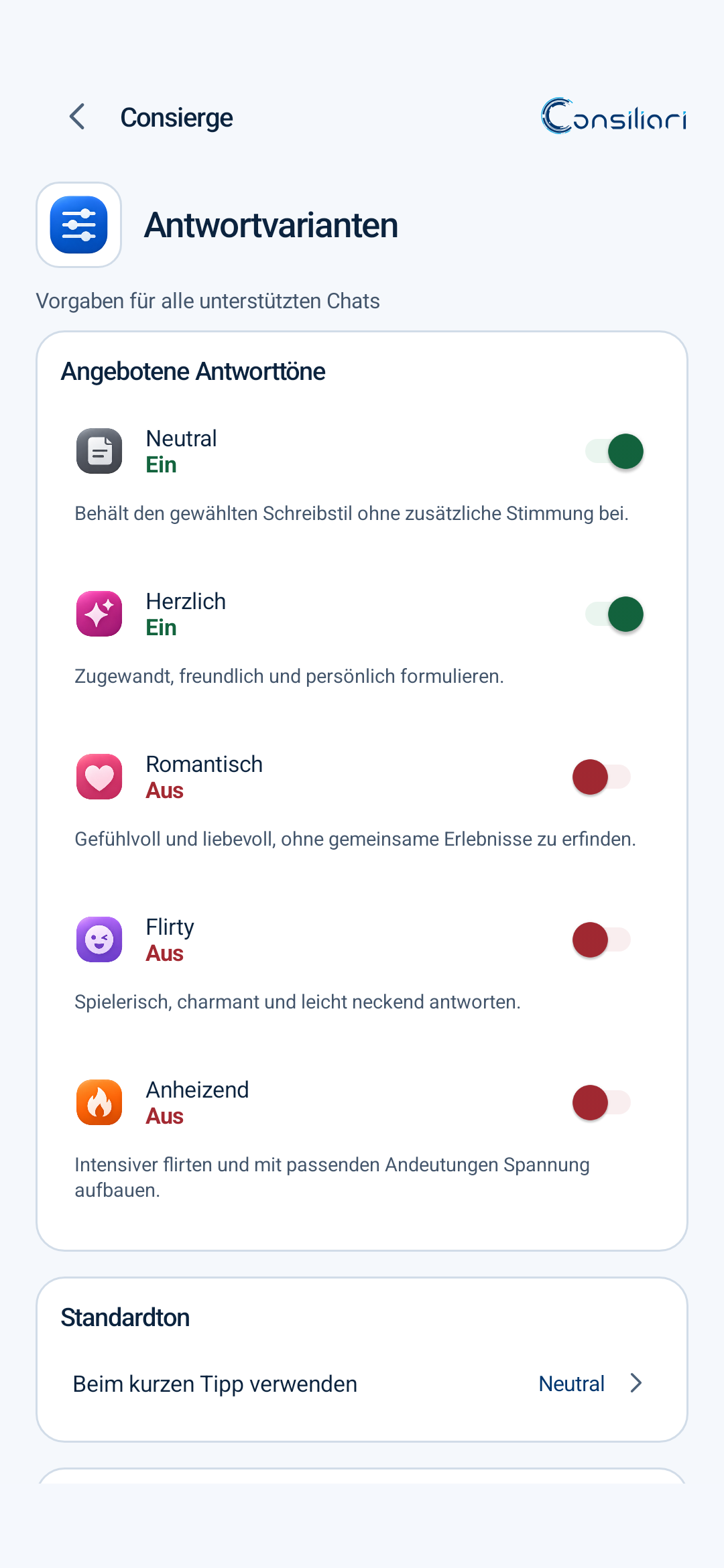
With your permission, Consierge uses a selected readable message or a limited set of visible messages in supported messengers. Your short instruction guides the draft reply.
You see the draft, change it if needed and explicitly insert it. Consierge never sends a message on its own.
When you separately enable a conversation profile, limited excerpts, reviewed summaries and core notes you confirm can inform later reply drafts. This is not a complete chat history.
Short-term context, summaries and key notes can be deleted separately. Storage is limited and encrypted.
More about your data controls →Separate from style learning and dictation history.
Local processing is the starting point. Extra context is only added when you explicitly enable it.
Speech recognition and text post-processing can run locally. A cloud service is not required.
Style learning, dictation history and conversation memory have separate controls.
Remove individual entries, specific contexts or whole profiles. You decide what stays.
On-device processing is the default route. In the internal Android beta, you can also explicitly route text processing to a paired Ollama gateway on your own LAN.
The paired Ollama LAN connection was internally qualified with Android 0.4.0-beta.1 on the S24 Ultra. LiteLLM remains deferred. This does not authorize public APK distribution.
Explore what comes next →ConsiergeLocal firstOften yes, especially for short, finished sentences. Apple Writing Tools and supported Gboard/Pixel features can also proofread and rewrite. Check what your device offers. Consierge is worth considering if you want its combination of your terms, spoken shortcuts, selected reply context and optional local memory.
Yes. Recognition, self-correction and reply drafts can make mistakes. Check names, numbers, negations, dates and commitments in particular. You can edit the draft; inserting and sending remain separate actions. The illustrations show a possible workflow, not guaranteed output.
Not for the on-device route after model setup. On-device processing is the default. The internal beta’s optional Ollama LAN processing sends the selected text task and approved context to your paired server; speech recognition stays local. There is no automatic public-cloud fallback. LiteLLM is a separate, deferred experiment.
Say it your way.Android is undergoing internal testing. The public APK download is being prepared.
View Android status ↗Windows, macOS and iOS: initial native previews; public downloads to follow.